How to Buy a
Link Insertion
Boost your SEO with Niche Edits. Learn how to place your link in existing, aged, and high-authority content on Serpbays.
No credit card required
Access Your Dashboard
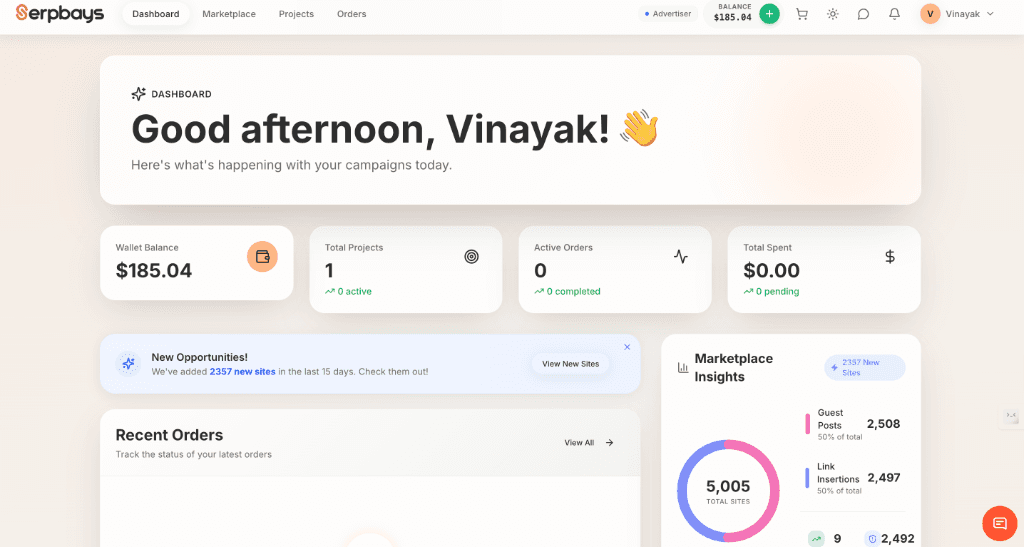
Log in to Serpbays to access the Publisher Marketplace. This is where you'll find thousands of sites accepting link insertions.
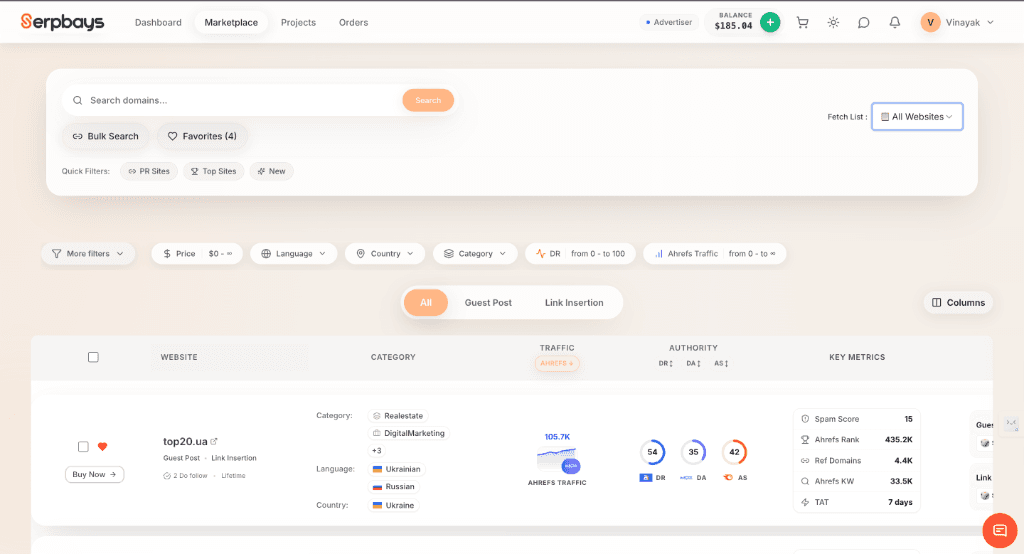
Filter for Link Insertions
On the Marketplace, use the 'Service Type' filter to select 'Link Insertion'. This ensures you only see sites that allow edits to existing content.
Pro Tip
Link Insertions are often cheaper and faster than Guest Posts since no new content writing is required.
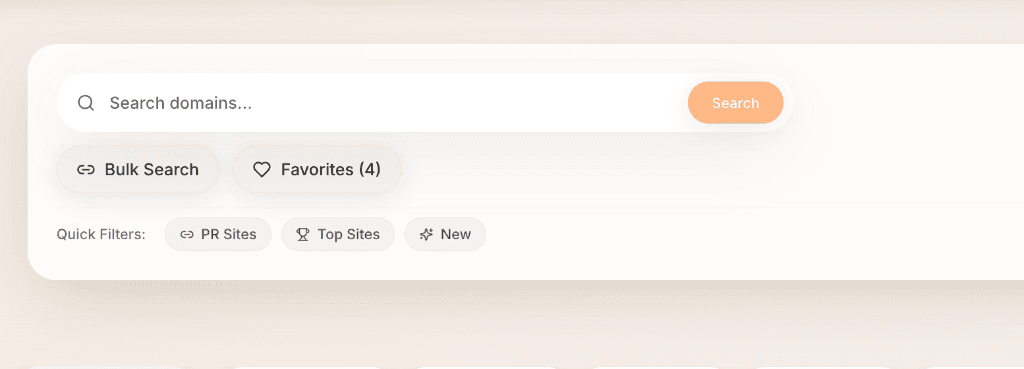
Provide Target Post URL
Found a site? Great! Now, specify the exact URL of the blog post where you want your link placed. You can usually find this by searching the site with 'site:domain.com keyword'.
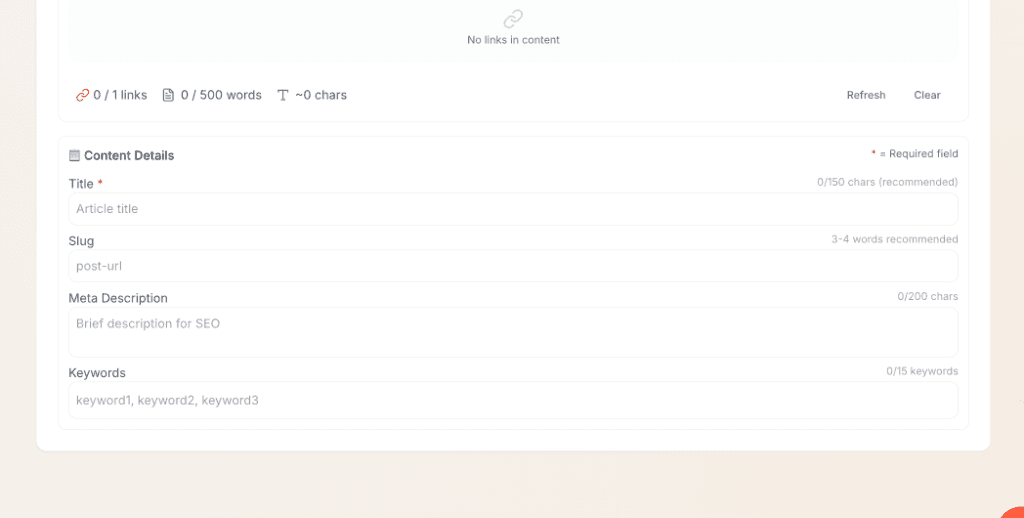
Set Anchor Text & Link
Tell the publisher which word or phrase (Anchor Text) to turn into a hyperlink, and provide the destination URL (your site).
Pro Tip
Choose a natural anchor text that fits seamlessly into the existing paragraph.
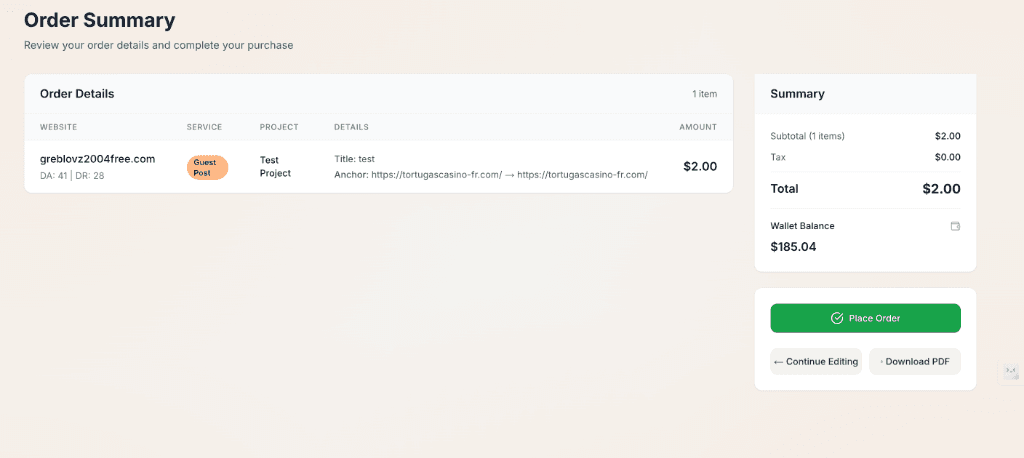
Review & Place Order
Double-check the post URL, anchor text, and price. Once satisfied, place your order. The publisher will typically edit the post within 24-48 hours.
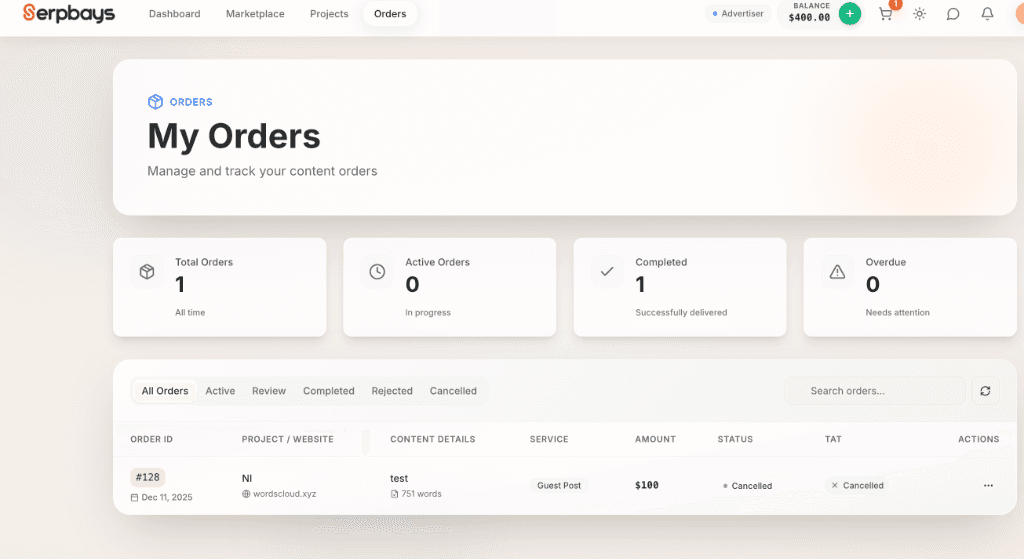
Track Changes
We'll notify you as soon as the link is live! You can verify the change in your 'My Orders' dashboard.
Need help finding a post?
Can't find the right article for your link? Our team can help you search our database for the perfect aged content match.
FAQS
Common questions about Link Insertions and Niche Edits.
Explore More Services
Discover comprehensive strategies designed to elevate your search visibility and scale your organic growth.
Guest Posts
Publish high-quality content on authoritative sites to build organic rankings.
Bulk Orders
Scale your link building with large, volume-discounted campaigns.
Monthly Plans
Set your link building on autopilot with recurring expert campaigns.